
기능
궁극의 워드프레스 보안
WP-Firewall로 워드프레스 사이트에 비할 데 없는 보호를 경험하세요. 가장 정교한 사이버 위협으로부터 방어하도록 설계된 당사의 방화벽은 고객의 웹사이트가 안전하고 탄력적인 상태를 유지하도록 보장합니다.
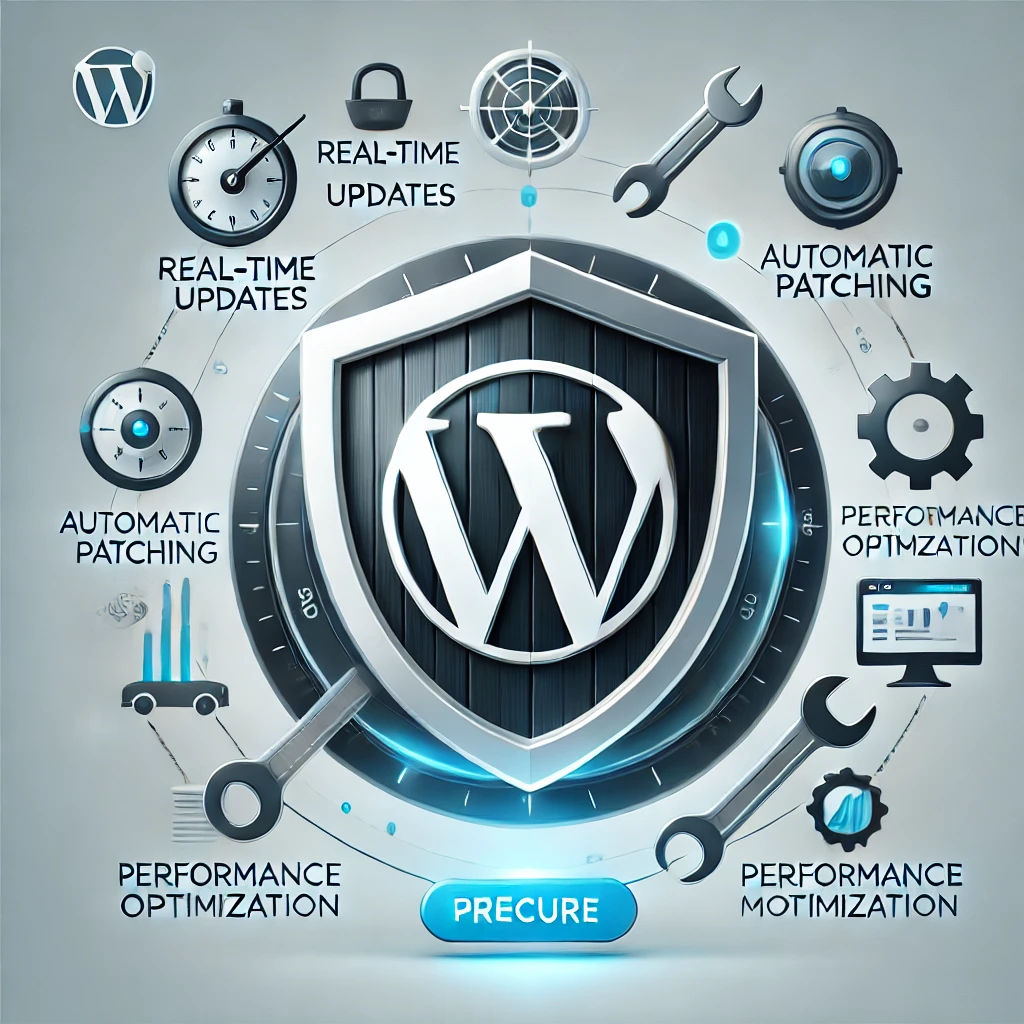
기능
포괄적인 보호
WP-Firewall은 OWASP Top 10 취약점, 0-day 공격 및 기타 사이버 위협에 대한 강력한 보호를 제공하여 웹사이트가 항상 안전하도록 보장합니다.
기능
24×7 보안 모니터링 및 지원
당사의 전담 보안 운영 센터는 지속적인 모니터링과 지원을 제공하여 고객의 사이트가 24시간 보호되도록 보장합니다.
기능
자동 패치
WP-Firewall은 새로운 위협에 대한 즉각적인 보호를 위한 실시간 업데이트를 제공하고, 플러그인 및 사이트 구성 요소의 알려진 취약점을 자동으로 패치하여 수동 개입 없이 사이트를 안전하게 유지합니다.
기능
확장성
비즈니스와 함께 확장하도록 설계된 WP-Firewall은 소규모 블로그에서 대기업까지 모든 규모의 웹사이트에 적합합니다.
기능
성능 최적화
보안 프로세스를 클라우드로 오프로딩하여 WP-Firewall은 웹사이트 성능을 최적화하여 빠르고 안정적인 액세스를 보장합니다.
기능
쉬운 설치 및 관리
사용자 친화적인 인터페이스와 자세한 설치 가이드로 WP-Firewall은 기술 경험이 제한된 사람들도 쉽게 설정하고 관리할 수 있습니다.
WP-Firewall 가격
BASIC
$15$0월간
가장 인기
STANDARD
$55$5월간
PRO
$119$29월간
고객 후기
WP-Firewall은 제 워드프레스 사이트에 게임 체인저였습니다. 실시간 업데이트와 자동 패치로 웹사이트가 항상 안전하게 유지되며, 사이트 속도가 느려지지 않는 점이 마음에 듭니다. 24/7 모니터링으로 비즈니스가 24시간 보호되고 있다는 것을 알고 안심할 수 있습니다.

Jane D.
CEO, Doe Enterprises
여러 사이트를 관리하는 개발자로서 WP-Firewall은 없어서는 안 될 존재입니다. 다양한 위협에 대한 포괄적인 보호와 성능 최적화를 통해 고객을 위해 빠르고 안전한 웹사이트를 유지할 수 있습니다. 설정이 간단했고 지원 팀도 훌륭합니다.

Michael Smith
리드 개발자, Smith Solutions
작년 보안 침해 사고 후 WP-Firewall로 전환했고 뒤돌아보지 않았습니다. 자동 패치 기능은 생명의 은인이며, 실시간 업데이트로 블로그가 안전하게 유지됩니다. 콘텐츠와 데이터가 안전하다는 것을 알고 24/7 모니터링이 있다는 것은 안심이 됩니다.

Customer name
콘텐츠 크리에이터, Kim Blogs
자주 묻는 질문
The Open Web Application Security Project® (OWASP) is a non-profit organization dedicated to improving software security. The OWASP Foundation is the source for developers and technologists to safeguard the web, with hundreds of local chapters globally, tens of thousands of members, and leading educational and training conferences.
The OWASP Top 10 is a frequently updated report that outlines web application security vulnerabilities, focusing on the ten most critical threats. A team of security specialists from around the world compiled the study. The Top 10 is referred to by OWASP as a “awareness document,” and the organization recommends that all businesses incorporate the report into their procedures in order to avoid and/or mitigate security threats.
Please find the latest OWASP Top 10 list here: https://owasp.org/Top10/
The OWASP Top 10 is a frequently updated report that outlines web application security vulnerabilities, focusing on the ten most critical threats. A team of security specialists from around the world compiled the study. The Top 10 is referred to by OWASP as a “awareness document,” and the organization recommends that all businesses incorporate the report into their procedures in order to avoid and/or mitigate security threats.
Please find the latest OWASP Top 10 list here: https://owasp.org/Top10/
Within hours, it discovers and defends against the most recent online vulnerabilities, including zero-day vulnerabilities. The vulnerabilities do not need to be manually patched.
Reduces HTTP flood attacks by employing several degrees of default protection rules, custom protection policies, throttling policies, CAPTCHA verification, and blocking policies.
Reduces HTTP flood attacks by employing several degrees of default protection rules, custom protection policies, throttling policies, CAPTCHA verification, and blocking policies.
하드닝(강화)은 시스템의 취약한 공격 표면을 최소화하여 시스템을 보호하는 행위입니다. 시스템이 수행하는 기능이 많을수록 공격 표면은 커집니다. 일반적으로 단일 기능 시스템이 다기능 시스템보다 더 안전합니다. 기본 비밀번호 변경, 불필요한 소프트웨어 제거, 불필요한 사용자 또는 로그인 제거, 불필요한 서비스 비활성화 또는 제거는 접근 가능한 공격 벡터를 줄이는 일반적인 방법입니다.
1. 사이버 위협으로부터의 보호: A firewall helps safeguard WordPress sites from various cyber attacks, including malware, XSS, and SQL injections.
2. 취약점 완화: It can patch known vulnerabilities in plugins and themes, reducing the risk of exploitation.
3. 성능 최적화: Offloading security processes to a cloud-based firewall can improve website performance by reducing server load.
4. 실시간 업데이트: Firewalls provide real-time updates to defend against emerging threats.
5. 24/7 보안 모니터링: Continuous monitoring and protection ensure your site remains secure round-the-clock.
Using a firewall is essential for maintaining the security and integrity of a WordPress site in an increasingly hostile online environment.
2. 취약점 완화: It can patch known vulnerabilities in plugins and themes, reducing the risk of exploitation.
3. 성능 최적화: Offloading security processes to a cloud-based firewall can improve website performance by reducing server load.
4. 실시간 업데이트: Firewalls provide real-time updates to defend against emerging threats.
5. 24/7 보안 모니터링: Continuous monitoring and protection ensure your site remains secure round-the-clock.
Using a firewall is essential for maintaining the security and integrity of a WordPress site in an increasingly hostile online environment.
예, WP-Firewall은 서비스를 통해 '가상 패치'를 제공합니다. 이 플랫폼은 취약한 플러그인 및 기타 사이트 구성 요소의 자동 수정을 제공하여 향후 문제 발생 가능성을 줄이는 데 도움이 됩니다. 이 기능은 더 광범위한 패치 및 강화 서비스의 일부로, 다양한 사이버 위협에 대한 포괄적인 보호를 보장합니다.
WP-Firewall is a cloud-based Web Application Firewall (WAF) specifically designed to protect WordPress websites from various cyber threats, including XSS/SQL injections and malicious activities.
WP-Firewall은 보안 프로세스를 클라우드로 오프로딩하여 작동하며, VM 리소스를 소비하지 않고 웹사이트를 보호합니다. 방화벽 규칙을 실시간으로 업데이트하여 알려진 취약점을 완화합니다.
– 포괄적인 보호: Guards against OWASP top 10 vulnerabilities and 0-day attacks.
– 자동 패치: Fixes vulnerable plugins and site components instantly.
– 24/7 지원: Supported by a dedicated security operations center.
– 자동 패치: Fixes vulnerable plugins and site components instantly.
– 24/7 지원: Supported by a dedicated security operations center.
You can install WP-Firewall by following the detailed installation guide available on their 문서 페이지.
Yes, WP-Firewall offers a free plan which includes basic security features. 묻료 플랜의 세부 정보를 확인하려면 여기를 클릭하세요.
For more advanced protection, various paid plans are available.
For more advanced protection, various paid plans are available.
예, WP-Firewall은 신규 사용자가 서비스를 평가할 수 있도록 7일 묻료 체험을 제공합니다.
Yes, WP-Firewall is designed to scale and protect websites of all sizes, including large enterprises, with its robust cloud-based security solutions.
For more detailed information,지금 문의하세요.
For more detailed information,지금 문의하세요.
Submit and downlaod the sample report from 여기.
WP-Firewall은 크로스 사이트 스크립팅(XSS), SQL 인젝션, 무차별 대입 공격 및 기타 일반적인 웹 취약점을 포함한 OWASP Top 10 취약점 및 0-day 공격으로부터 보호합니다.
지원이 필요하거나 문의 사항이 있는 경우 문의 페이지를 통해 WP-Firewall 지원팀에 문의할 수 있습니다. Standard 또는 PRO 플랜 가입자는 워드프레스 관리자 포털(예: yoursitedomain.com/wp-admin)의 WP-Firewall 플러그인 페이지에서 직접 지원 티켓을 제출할 수 있습니다.